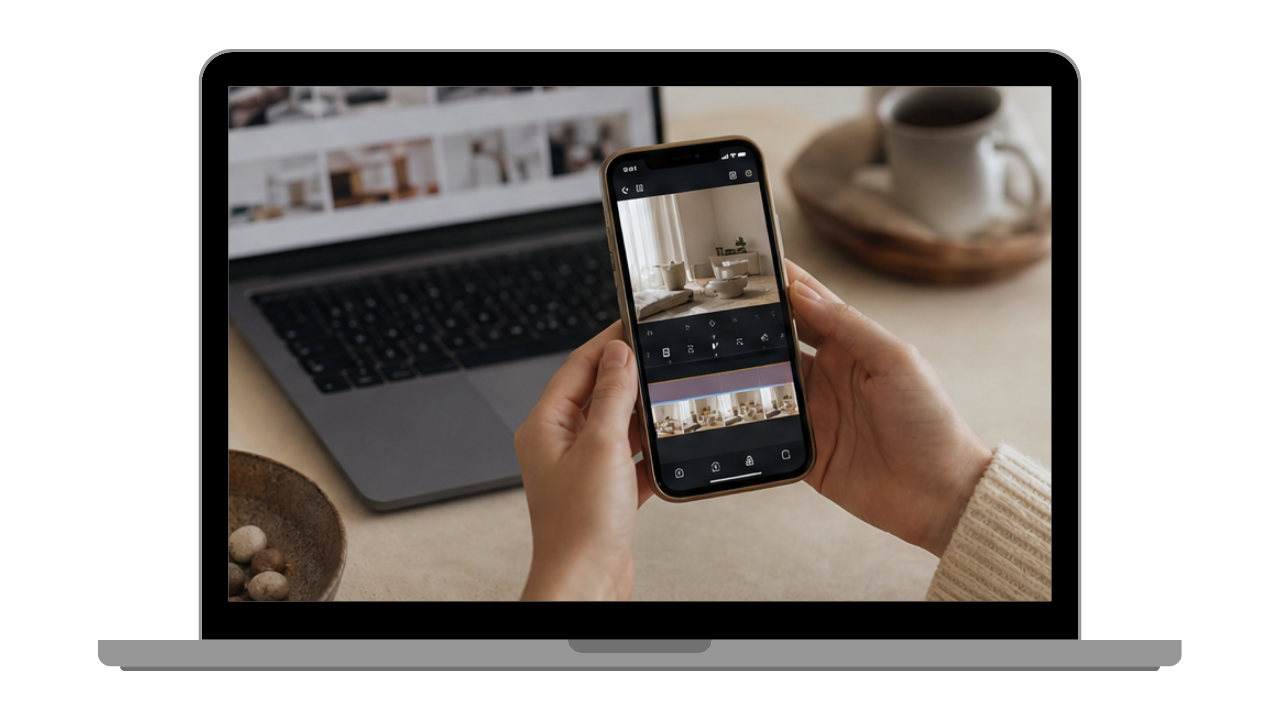

FOR CREATORS WHO ARE TIRED OF FILMING EVERY SINGLE DAY
The Content Bank Method
If you're filming something new every single day just to have something to post, that's where your hours are going. In the next 20 minutes I'll show you how to turn one afternoon of filming into a content bank you can pull from all month, plus the AI builder that tells you exactly what to film for your niche in under 5 minutes. No more setting up your tripod every time you want to post.
GET INSTANT ACCESS FOR $47 →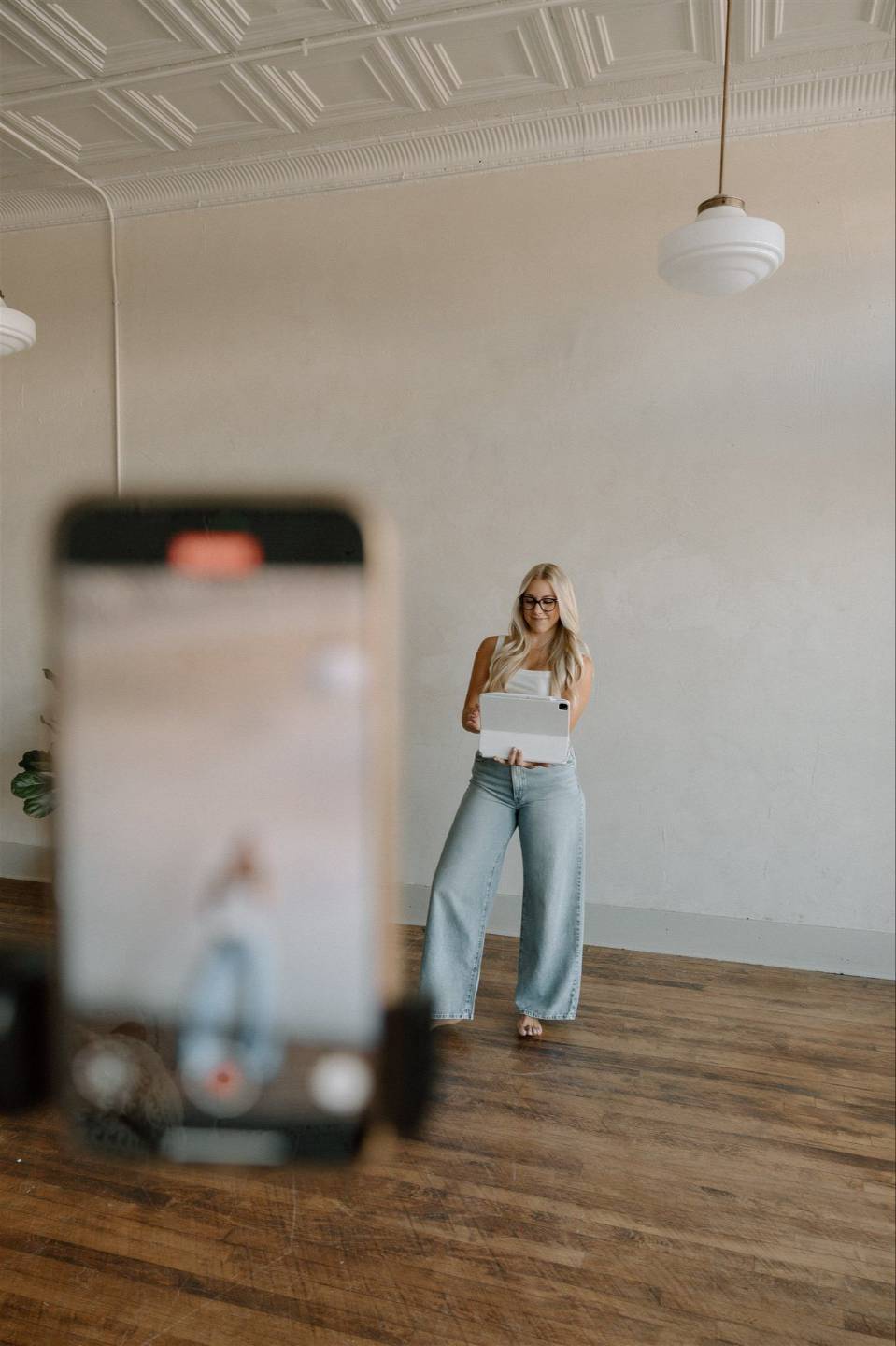
SOUND FAMILIAR?
You have the idea, you just don't have an hour to film it.
It's 8pm, you finally have a window to work, and you know exactly what you want to post. Then you remember you'd have to move the laundry off the bed, set the tripod up, wait for light that's already gone, film it, and edit it before any of it goes up. So you tell yourself you'll do it tomorrow and that's how a week goes by with a notes app full of ideas you never actually posted.
HERE'S WHAT I Do inSTEAD
I film one afternoon a month and pull from those clips for weeks.
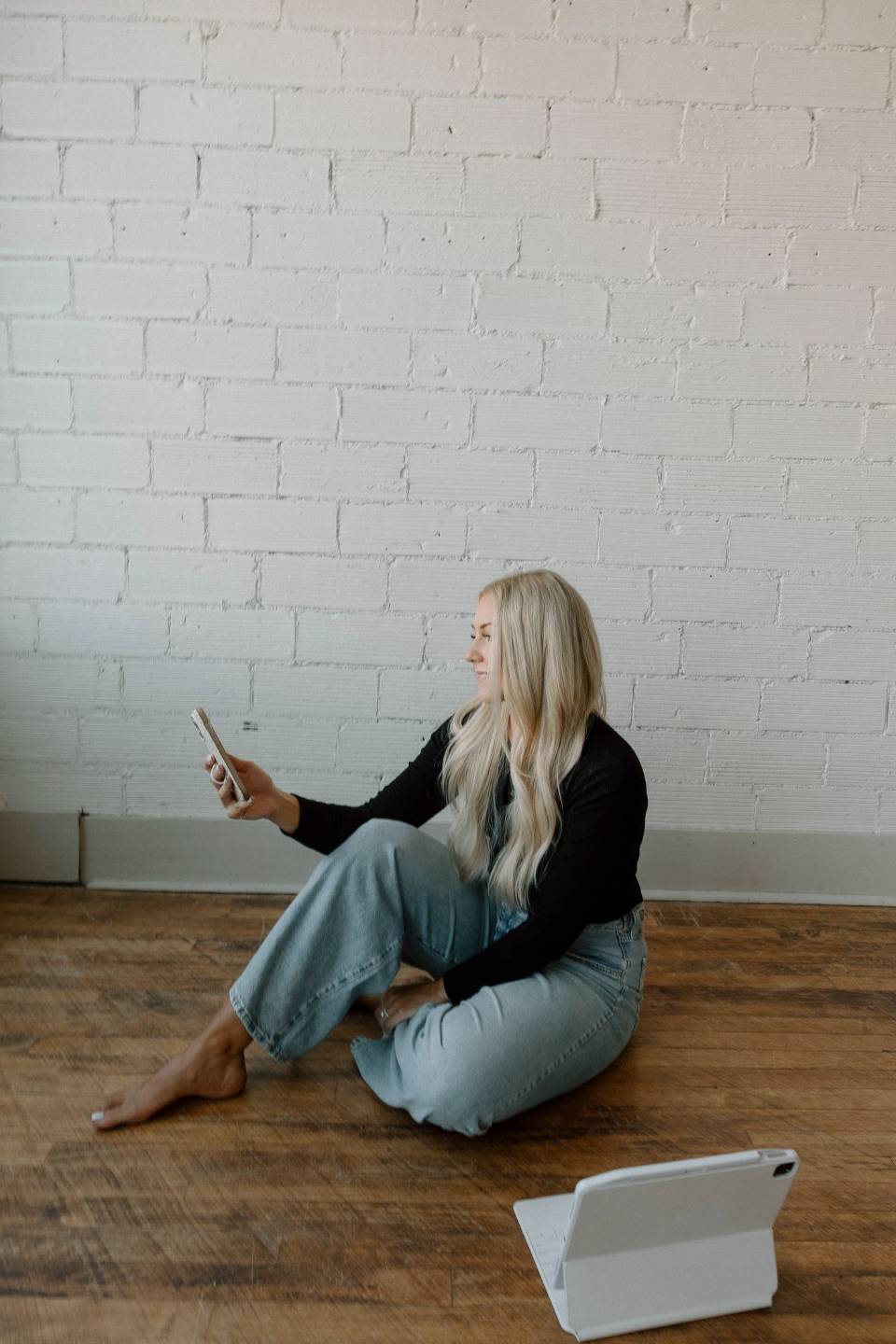
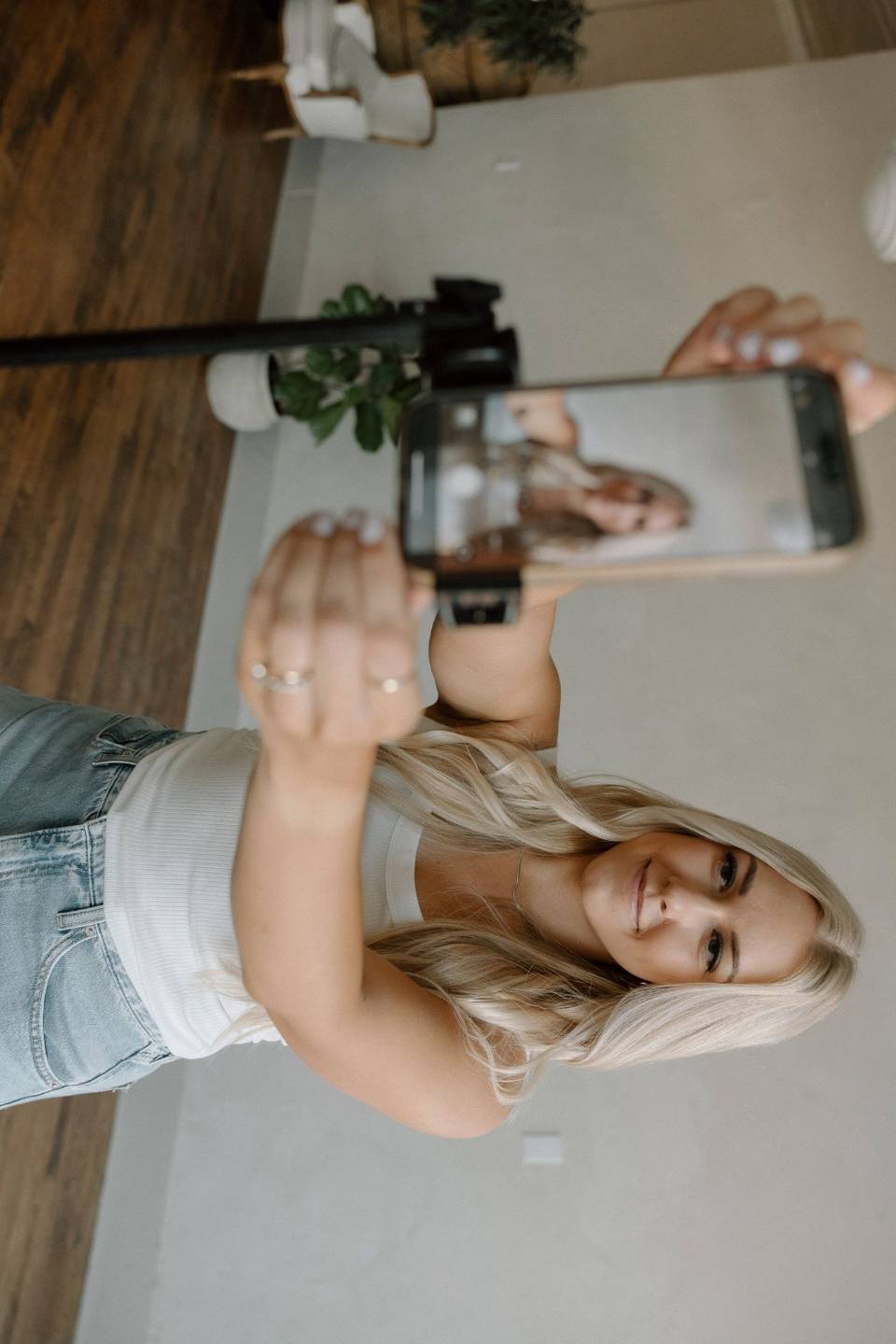
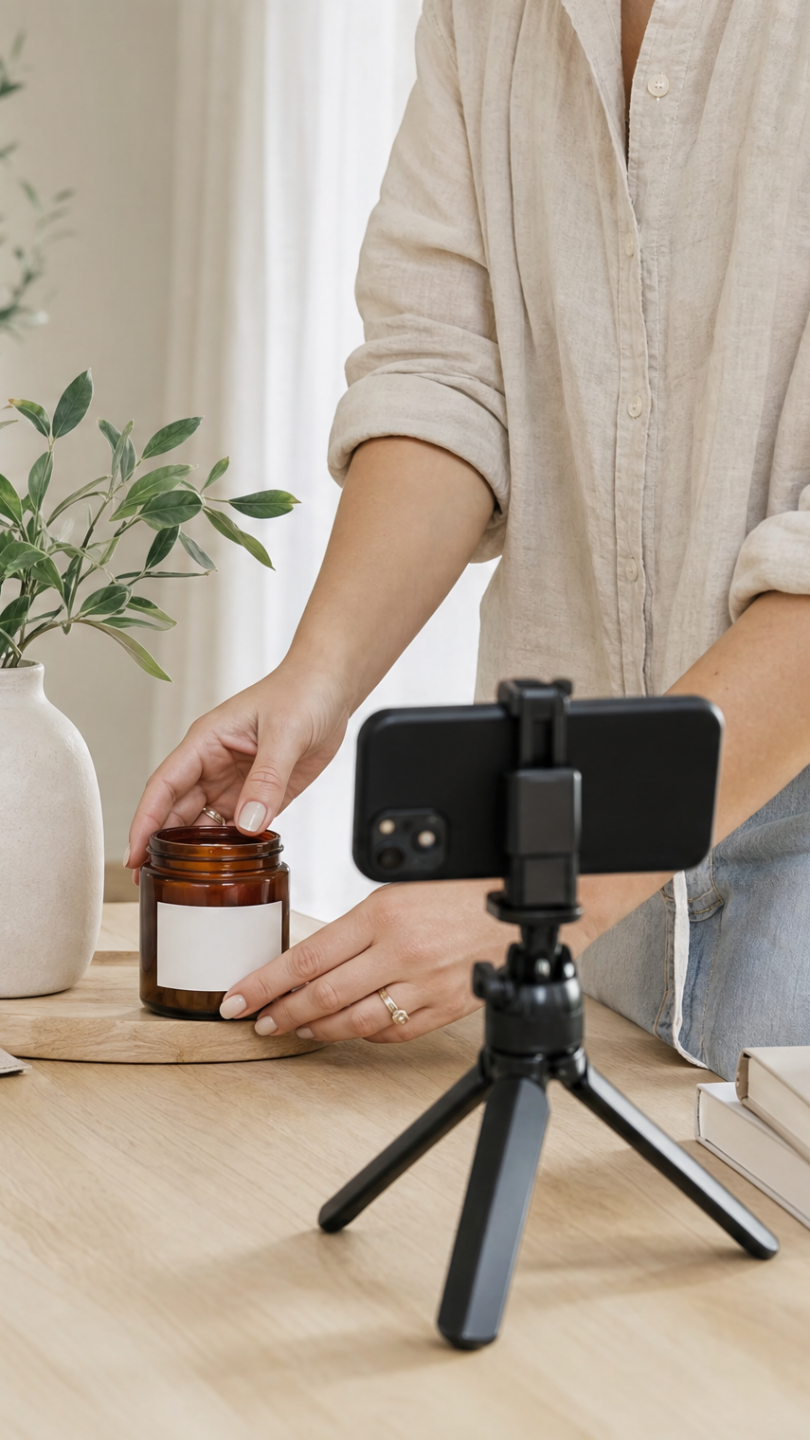
I sit down one afternoon, film a batch of clips, and save them to a folder on my phone. That folder is my content bank. Then when I want to post I'm not starting from zero, I'm going shopping in a folder that's full of amazing clips I can use.
WHAT THIS LOOKS LIKE IN REAL TIME
Posting means simply pulling clips from your content bank and adding your hook.
You pick the clips that fit the idea you have, add your hook and caption, and it's ready to post. What used to take an hour takes a few minutes, and you can do it from your couch without touching your tripod.
I NEEDED THIS LIKE, YESTERDAY!- ONE AFTERNOON OF FILMING, WEEKS OF POSTING
- ONE AFTERNOON OF FILMING, WEEKS OF POSTING
- ONE AFTERNOON OF FILMING, WEEKS OF POSTING
- ONE AFTERNOON OF FILMING, WEEKS OF POSTING
- ONE AFTERNOON OF FILMING, WEEKS OF POSTING
- ONE AFTERNOON OF FILMING, WEEKS OF POSTING
- ONE AFTERNOON OF FILMING, WEEKS OF POSTING
- ONE AFTERNOON OF FILMING, WEEKS OF POSTING
Everything You Get for $47
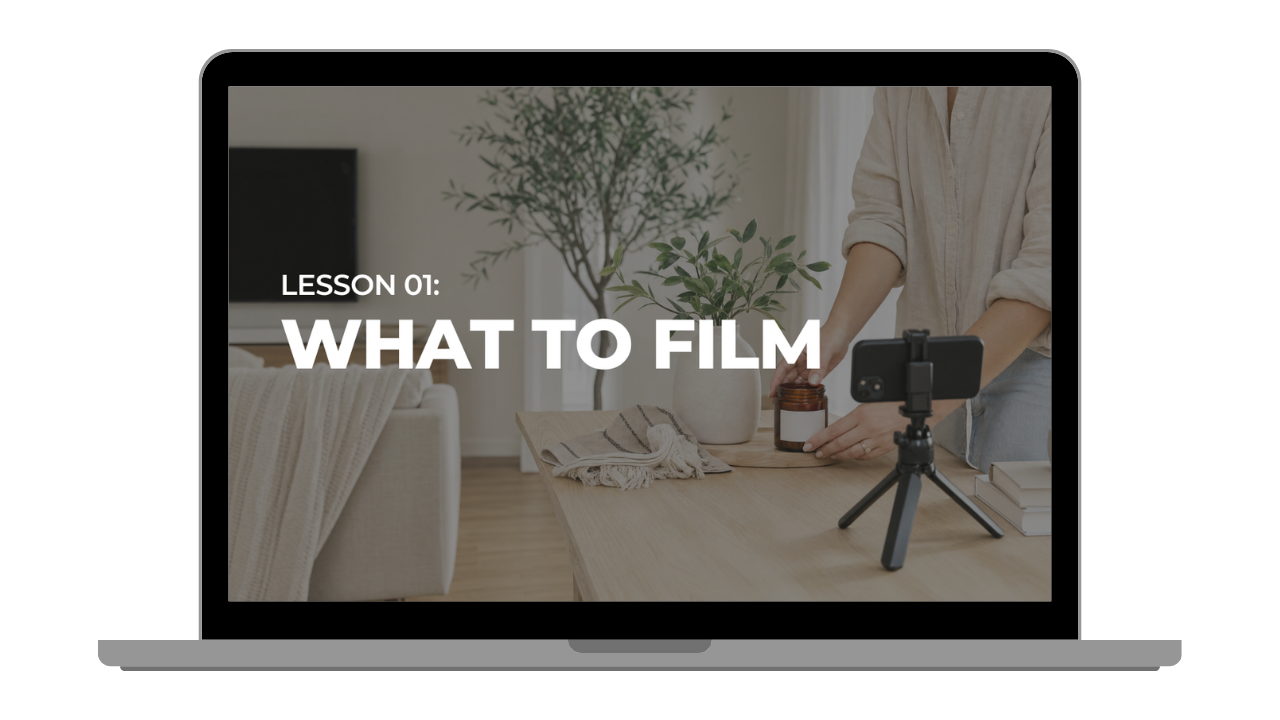
Creating Your Content Bank (12 minutes)
You'll walk away knowing which clips are worth filming and which ones will sit in your camera roll forever. It's the reason my content bank still has clips from months ago that I'm posting today.
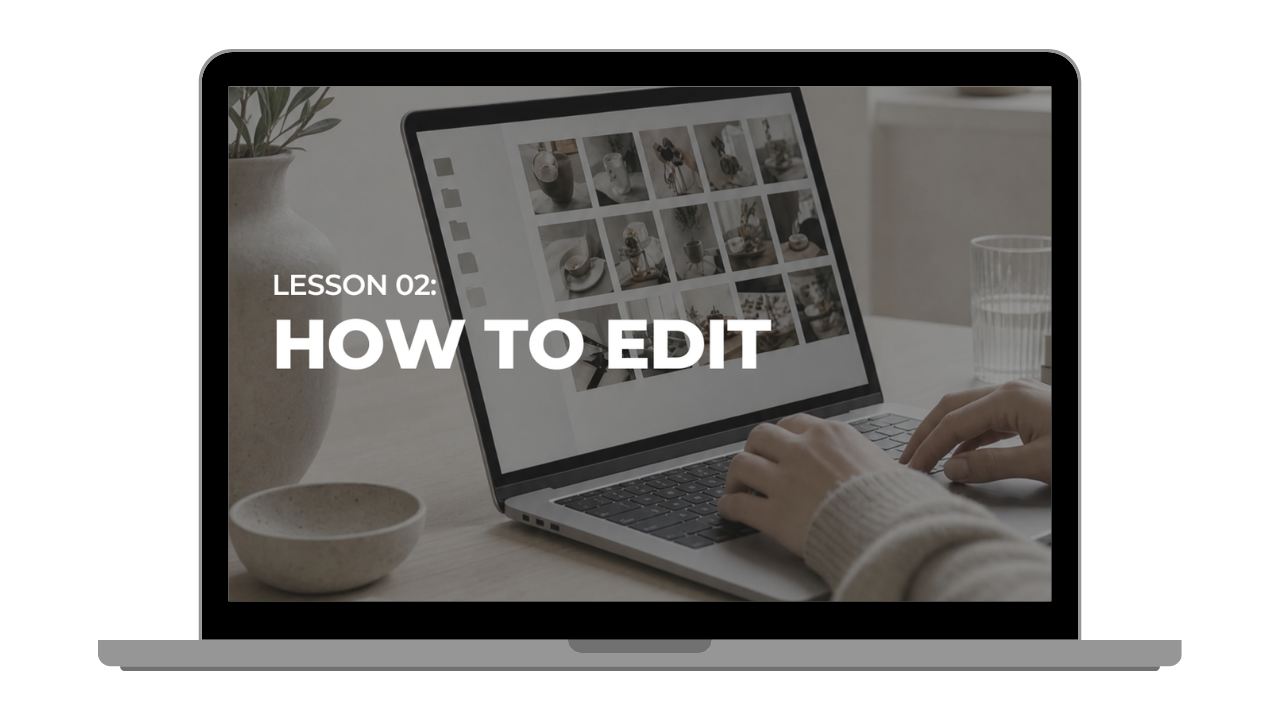
How to Edit Your Clips Multiple Ways (3 minutes)
You'll be able to turn one clip into four posts nobody can tell came from the same footage. I walk you through real examples from my own account so you can see exactly how it works.
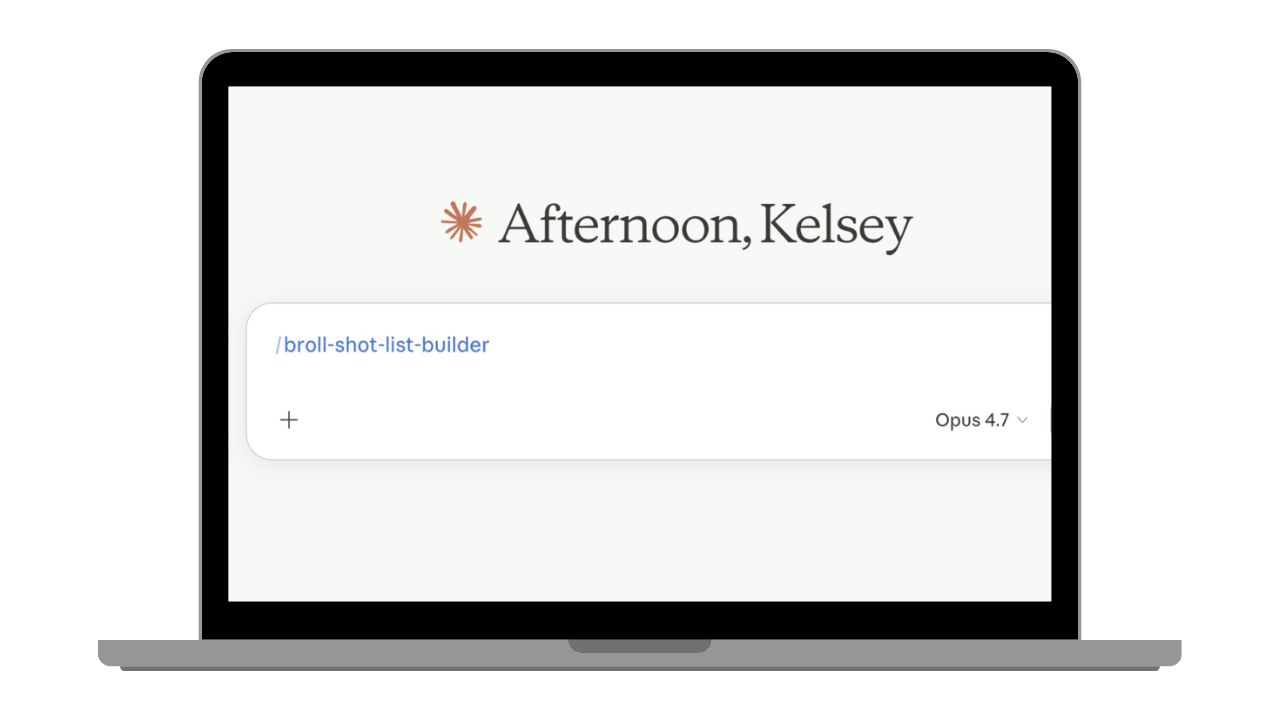
The B-Roll Shot List Builder
You'll finish with your own shot list built around your niche, your lifestyle, and what you post about, in under 5 minutes. It works in both Claude and ChatGPT, so you sit down to film already knowing what you're shooting.
What changes once your clips are already filmed
Posting consistently is what keeps your commissions and your brand deal inquiries coming, and that gets a lot easier when the clips are already sitting in a folder waiting for you.
✔️ |
Your camera roll turns into your secret weapon. Clips you filmed in March still work in June. |
✔️ |
You stop skipping posts on busy days. A packed Tuesday doesn't cost you a post when the content you need is already filmed and ready to be edited. |
✔️ |
Filming stops being an everyday task. A few hours one afternoon instead of a last minute scramble every day. |
What you get to stop doing...
❌ |
No more getting fully ready and setting up just to film one clip. |
❌ |
No more filming content that only ever works for one post. |
❌ |
No more Sunday night scaries with no content ready for the week. |
COUNT ME IN FOR $47 →
FAQ
Don't see your question below? Send me an email at info@kelseykooima.com and I'll get back to you ASAP!
How long is this going to take me?
About 20 minutes start to finish, and that includes building your shot list. I kept it short on purpose because I want you filming this week, not working through lessons for a month.
Is this just a list of shot ideas?
No. You get the AI shot list builder that writes your list in under 5 minutes, plus the two trainings that show you how to shoot those clips so one works in more than one post, and how to cut a single clip four different ways. The list is where you start and the method is what makes one filming session stretch across weeks.
Do I need a nice camera or a Pinterest house?
Your phone and whatever room you're standing in. I film in a regular house with natural light. What matters is how you shoot the clip, not how styled your space is.
What niche is this for?
I'm a home decor creator so my examples come from that, but this works for any niche posting short form video. The builder writes your shot list around whatever you post about, whether that's fashion, fitness, motherhood, or anything else!
